 PicoAide Harness
 PicoAide Harness brings a desktop client, a local agent engine and an enterprise server together into one platform. The deliverable is a single container image — server, built-in PostgreSQL, reverse proxy and the client installers are all inside it, so employee machines never need access to the public internet.
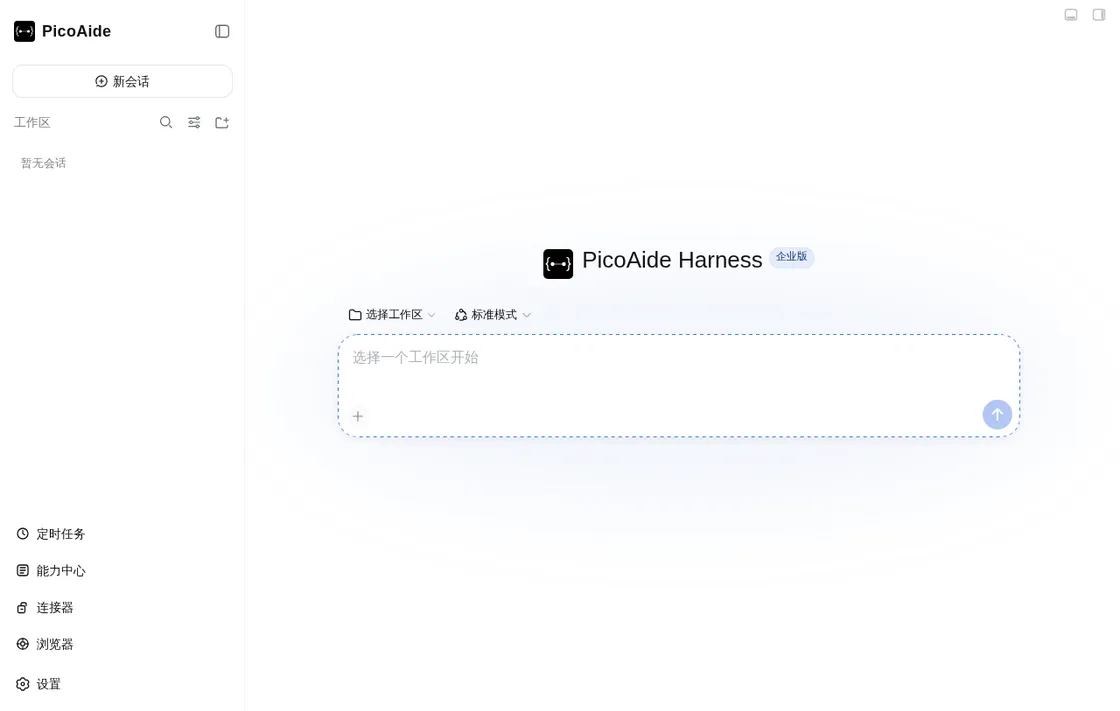
Desktop client, local service and enterprise control plane work together out of the box. Every area below links to the English documentation for that surface.
A native window with tray, terminal and automatic updates. Chat, Capability Hub, connectors, scheduled jobs and the built-in browser in one place — no Node.js required on employee machines.
Desktop client guide →Starts, stops and recovers the local Harness service automatically, so sessions and files stay on the machine. The upstream DeepSeek Harness runs unmodified at a pinned version.
System architecture →Accounts, departments, authentication, model gateway, usage and audit in one console, with per-user and per-model metering, balance limits and peak-hour pricing.
Admin console →Server, built-in PostgreSQL, reverse proxy and the installers for all supported platforms ship inside a single image. Choose self-signed, automatic or enterprise certificates with one variable.
Deployment guide →Clients are published by the server they log in to, so a client can never drift from its server. Name, tagline, logo and accent colour come from the channel content shipped with the image.
Channels and white-label →The core agent, web UI, desktop shell, connectors, scheduled jobs, browser and memory are all composed through the official Cordis plugin mechanism — replaceable and versioned.
Plugin development →No install scripts, no registry mirror and no Git checkout on the deployment machine. The image carries everything needed for a first deployment, an upgrade and a rollback.
Download the image archive and checksums from your channel, verify them and load the image. No registry is involved.
One command writes the compose file, the certificate variants and the client installers to your deployment directory.
Bring up the proxy, server and built-in database, then confirm the health probe and the client manifest.
Employees download the client from the server portal and sign in. Upgrading the server upgrades every client.
Deployment overview · Container deployment · Air-gapped deployment · Operations and troubleshooting
The Wiki is available in English and Simplified Chinese; each page has a language switcher.
What the platform is and how to read this Wiki.
From an empty machine to a working client.
Why the product is built this way.
Bring up server, database and proxy.
Move versions without losing data.
How employees install and update.
Management and client-side endpoints.
Common questions about deployment and data.